How to create an invitation with map and RSVP
Ek page par venue pin, directions, aur guest confirmation—flow ki seedhi guide.
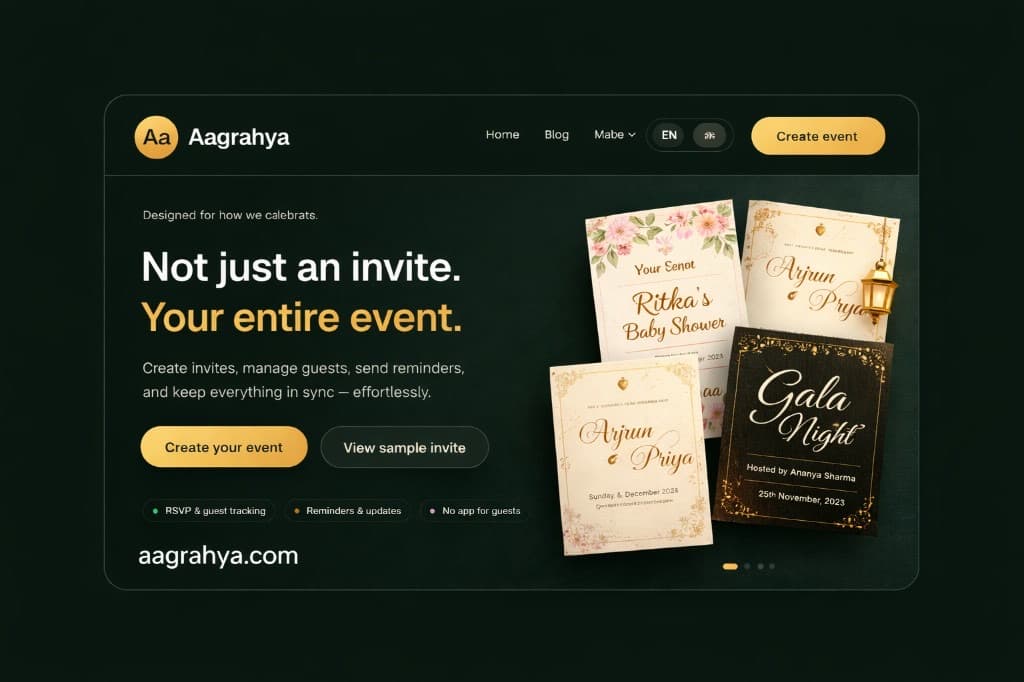
Pehle event details finalize karo, phir map link ya embed add karo, phir RSVP fields (name, count, dietary) enable karo.
Flow
- Create flow me occasion + template choose karo.
- Venue address paste karo; maps link verify mobile par.
- RSVP options set karo: yes/no/maybe + guests count.
- Preview link apne phone par test karo.
- WhatsApp par short text + link share karo.
Helpful links
FAQs – How to create an invitation with map and RSVP
Multiple venues?
Har function ke liye section ya sub-heading use karo.
Parking info?
Map ke neeche 1–2 lines: gate, basement, vale.
Read next
Continue your learning journey with these related guides.
Planning
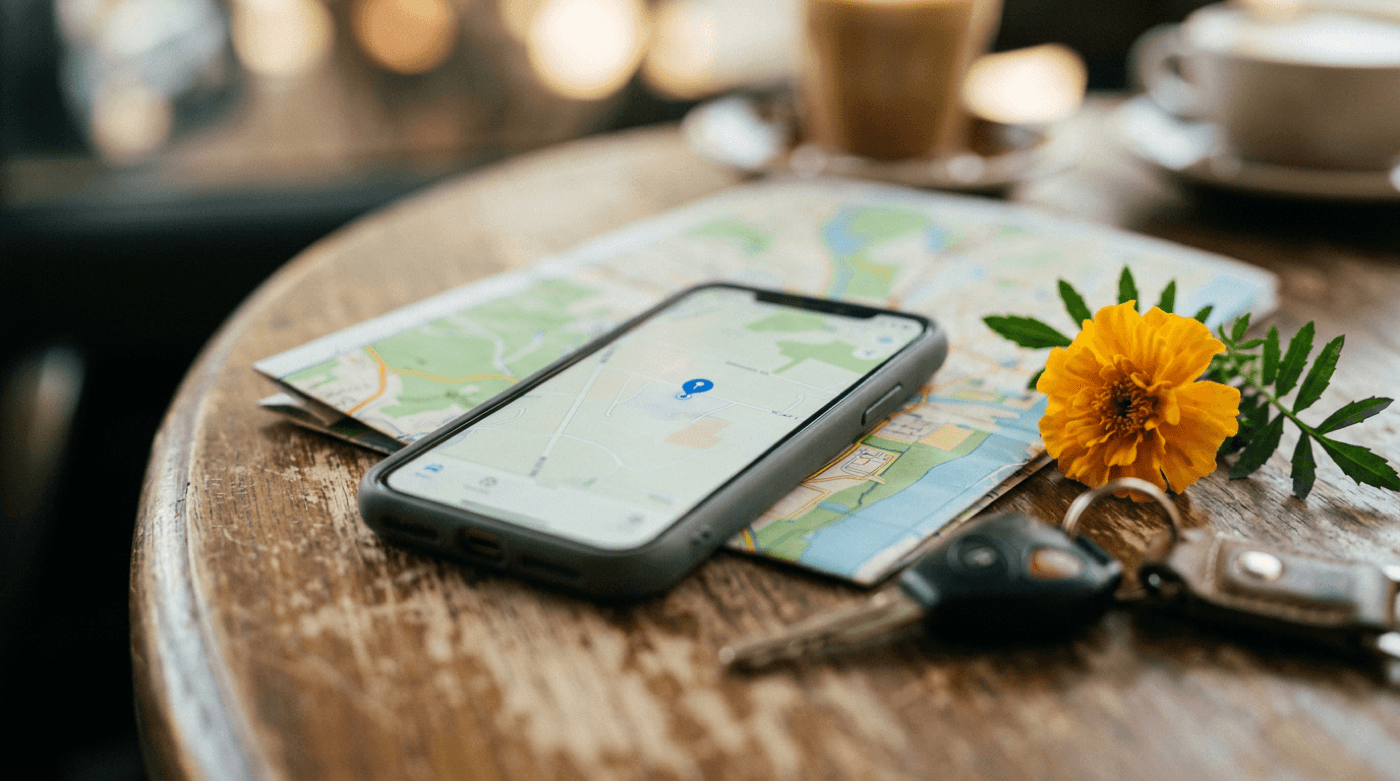
Best way to share event location with guests
Map links, landmarks, aur parking—location confusion kam karne ki checklist.
1 min read
Planning
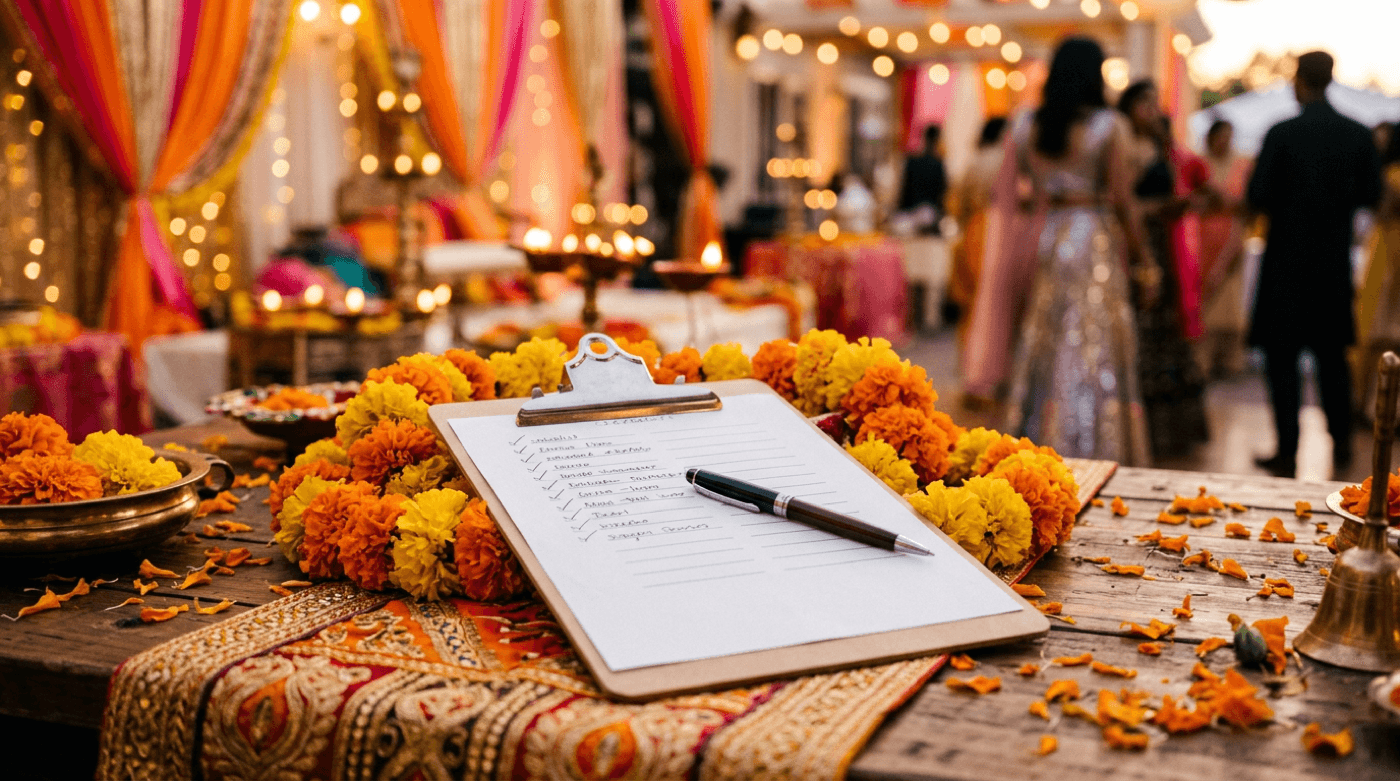
What details should every invitation include
Hosts, event name, date/time, location, dress code, RSVP—ek checklist jo miss nahi honi chahiye.
1 min read
RSVP
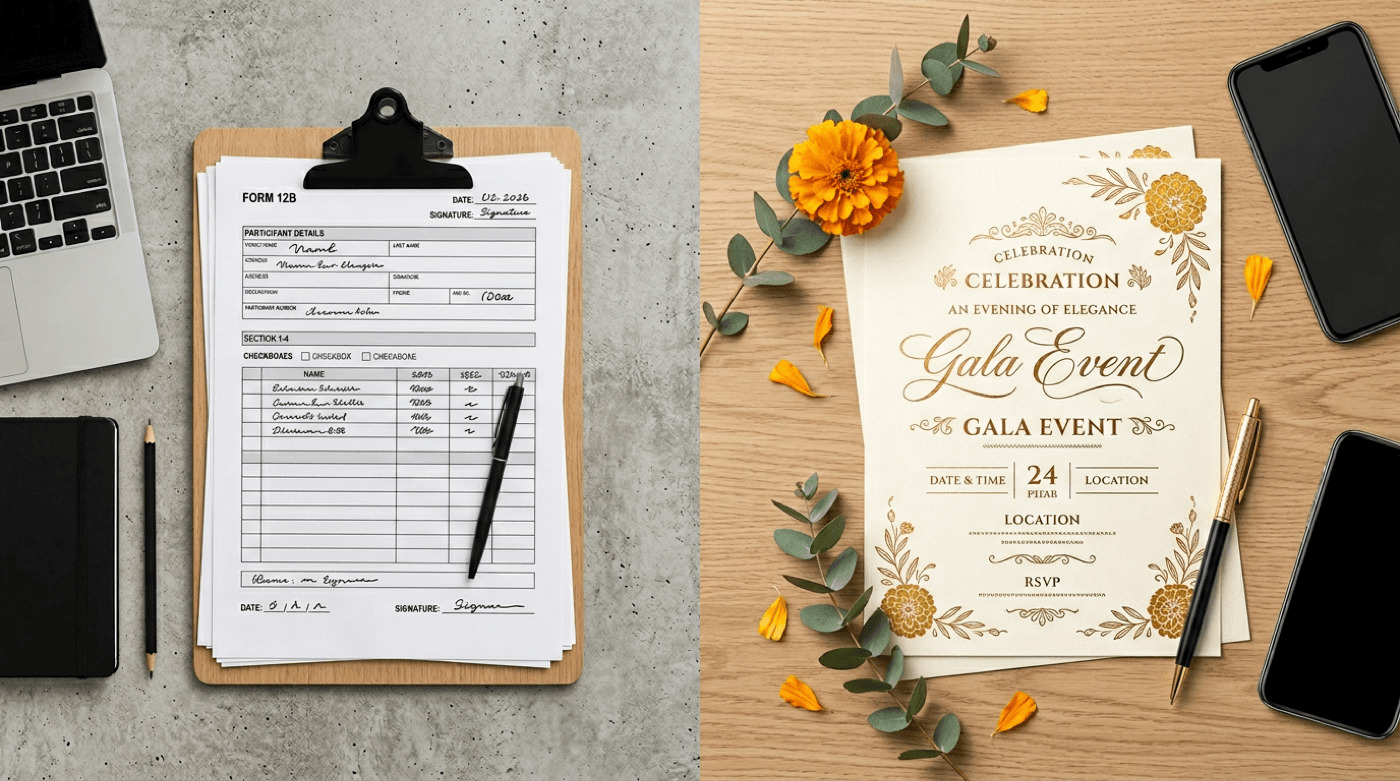
Google Form RSVP vs dedicated RSVP page
Forms quick setup dete hain; invite-linked RSVP branding, context, aur guest experience better rakhta hai.
1 min read